

ACCOUNT DELETION
Welcome
Thank you for using Secrese. We understand that there may come a time when you no longer wish to use our service. This page explains how to delete your Secrese account and what happens to your data during and after the deletion process.
Important: Deleting your account will permanently remove all your data from our servers. This action cannot be undone after the 30-day grace period expires. Please read this document carefully before proceeding with account deletion.
How to Request Account Deletion
You can delete your Secrese account directly from the app by following these simple steps:
Step 1: Navigate to Menu
Open the Secrese app on your device and navigate to the Menu view by tapping the menu icon from the home screen.
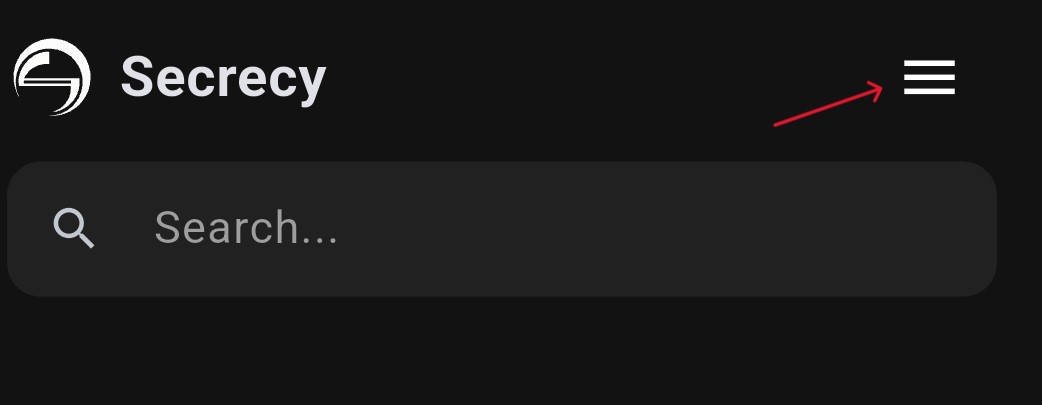
Step 1: Tap the menu icon to open the menu view
Step 2: Find Account Deletion Option
Once in the Menu view, scroll down to the bottom and locate the "Delete Account" option.
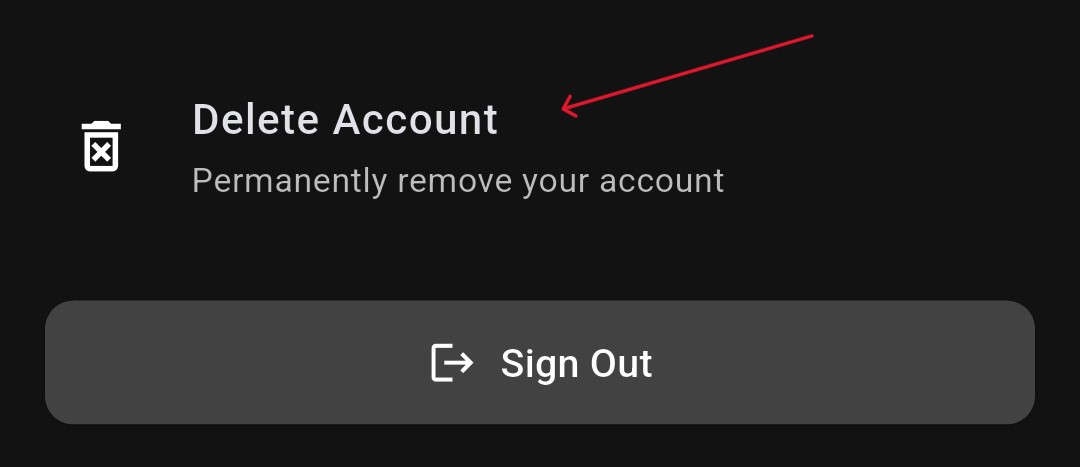
Step 2: Scroll down and tap on "Delete Account" option
Step 3: Confirm Deletion
Read the information about what will be deleted carefully. Type "DELETE" in the confirmation field to confirm your request, then tap "Request Account Deletion" to submit your request.
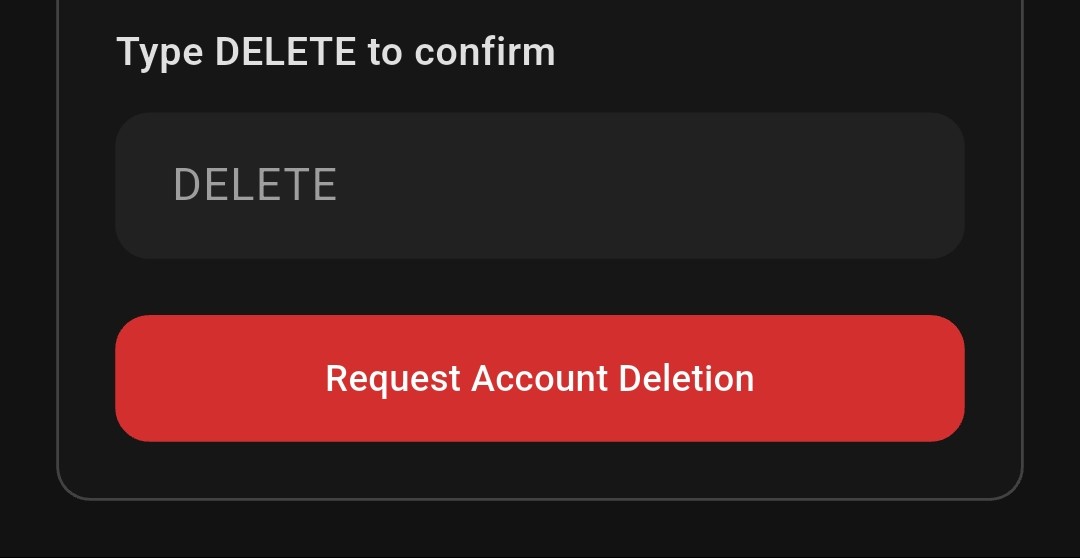
Step 3: Type "DELETE" and tap "Request Account Deletion"
After submitting your deletion request, your account will be scheduled for deletion and you will be signed out of the app immediately.
30-Day Grace Period
Your account deletion request includes a 30-day grace period. This is a safety feature that allows you to recover your account if you change your mind or accidentally requested deletion.
During this 30-day grace period:
Your account will be disabled and you cannot use the app normally. All your data remains on our servers but is inaccessible to you and others. You can cancel the deletion and restore your account at any time by logging back into the app. After 30 days, your account and all associated data will be permanently deleted from our servers.
The grace period begins immediately when you submit your deletion request from the app.
What Data Will Be Deleted
When your account is permanently deleted after the 30-day grace period, the following data stored on our servers will be completely removed:
Account Information including your email address, username, and profile information. Your User Profile including full name, bio, and account settings. Your Connections including friend list, connection requests. Public Keys including your public encryption keys stored for key exchange purposes. App Activity including login history, device registrations, and activity logs. All other Server-Stored Data associated with your account.
This deletion is permanent and cannot be reversed after the grace period expires.
What Data Will NOT Be Deleted
It is important to understand that deleting your account from our servers does not automatically remove data stored locally on your device. The following data is stored locally on your device and will NOT be deleted when you delete your account from our servers:
Encrypted Data including encrypted secrets stored locally on your device. Encryption Keys including your private encryption keys stored in device secure storage. App Cache including cached data and temporary files stored by the app on your device.
To remove this data from your device, you must take additional steps. You can either uninstall the Secrese app from your device, which will remove all app data, or clear the app data through your device's system settings (usually found in Settings → Apps → Secrese → Storage → Clear Data).
How to Cancel Account Deletion
If you change your mind during the 30-day grace period, you can restore your account and cancel the deletion. Here is how to restore your account:
1. Open the Secrese app on your device.
2. Attempt to sign in with your account credentials (email and password).
3. The app will detect that your account is pending deletion.
4. You will be prompted to restore your account.
5. Confirm the restoration to reactivate your account.
After restoration, your account will return to active status and all your data will be accessible again. You can use the app normally as if the deletion request never happened.
Data Retention Period
Here are the important timelines related to account deletion:
Grace Period: Your account data is retained for 30 days from the deletion request date. During this time, your account is disabled but can be restored.
Permanent Deletion: After 30 days, all data is permanently removed from our active servers. This deletion is irreversible.
Email Reuse: Your email address cannot be used to create a new Secrese account until after the 30-day grace period expires. This prevents account conflicts during the grace period.
After Account Deletion
Once your account is permanently deleted after the 30-day grace period, the following applies:
You will no longer be able to sign in to the app using your deleted account credentials. All server-stored data associated with your account will be permanently removed and cannot be recovered. Your email address will be available for new account registration after the grace period expires. You will need to create a completely new account if you wish to use Secrese again in the future. Any encrypted content you previously shared with other users will remain encrypted on their devices, but you will permanently lose access to decrypt it since your encryption keys will be deleted.
We recommend exporting any important data before deleting your account, as recovery is not possible after the grace period.
Contact Us
If you have questions about account deletion, need assistance with the deletion process, or want to verify that your account has been deleted, please feel free to reach out to us:
App: Secrese
Developer: Secrese Development Team
Email: support@secrese.com
For general inquiries about our practices, you can also review our Privacy Policy and Terms of Service.